
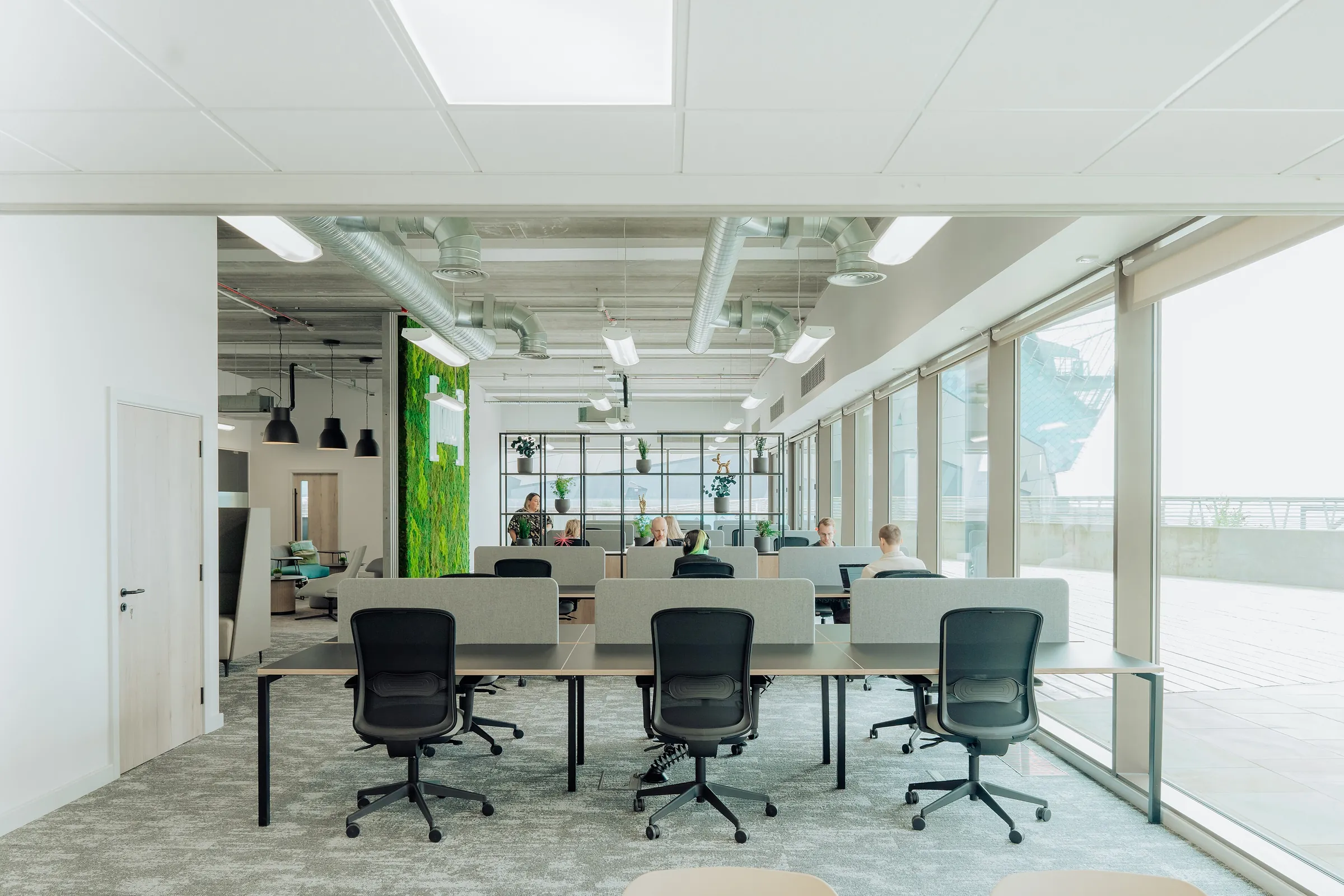
Business Wi-Fi for offices and coworking in Luxembourg
We design, deploy and validate the Wi-Fi network for your offices: open-plan floors, meeting rooms, flexible desks and shared spaces. The number of access points comes out of a radio study, not a ratio per square metre.
A consultancy based in Bettembourg, Ruckus Elite Partner and Cisco Partner, whose founder is certified CWNE #536.
What loads an office Wi-Fi network
Four uses now set the sizing of the network on an office floor.

Video calls
Several meetings at once, in neighbouring rooms.
Online tools
Email, documents and business software hosted off the premises.
Mobility
A colleague changes rooms and the call carries on.
Visitors and contractors
Access for them, separate from the company network.
Signs of a poorly sized network
The meeting freezes
The picture stutters in one room while the desk next door works.
Peak hours
The network slows when everyone is connected.
The blind spot
Part of the floor, a corridor or a room has no signal.
The device that hangs on
A laptop stays tied to a distant access point when a nearer one is free.
Coworking, several companies on one network
A shared space adds a constraint: different companies work side by side, and occupancy changes from day to day. The network isolates each company from the others, gives guests their own access and copes on the days when every desk is taken.


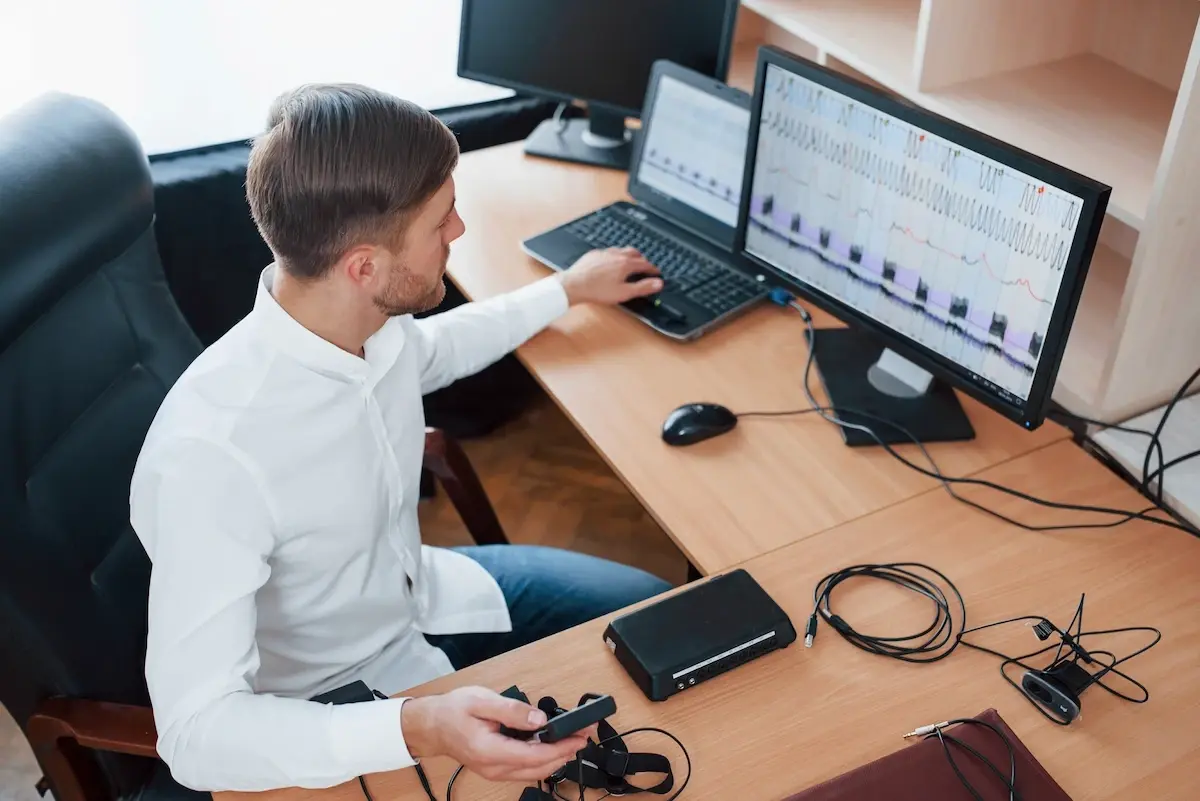
Radio design from your floor plans
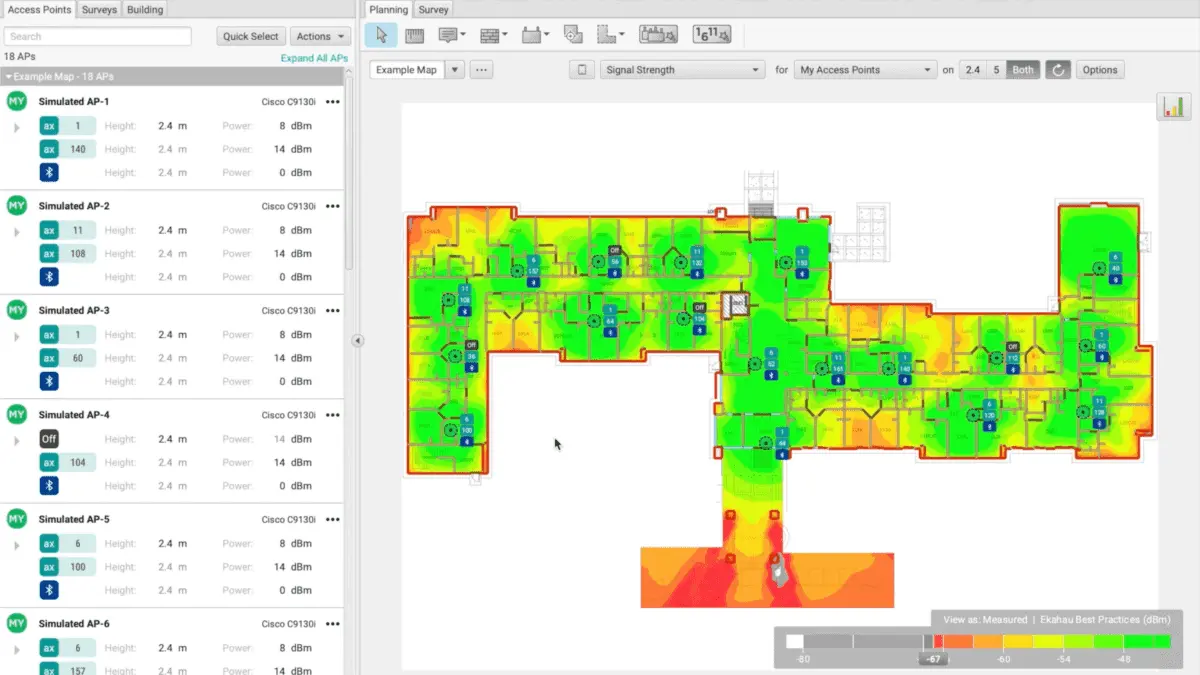
We study your floor plans, the partitions, the technical constraints and the number of users per area. The Ekahau simulation gives the position of each access point, its channel and its power. The network is sized for the way you work today and can grow with your headcount.
Deployment or support for your installer
We install the network, or we assist the team that fits it: exact access point positions, equipment configuration, connection to your existing architecture. Each access point goes where the design put it.


On-site validation and report
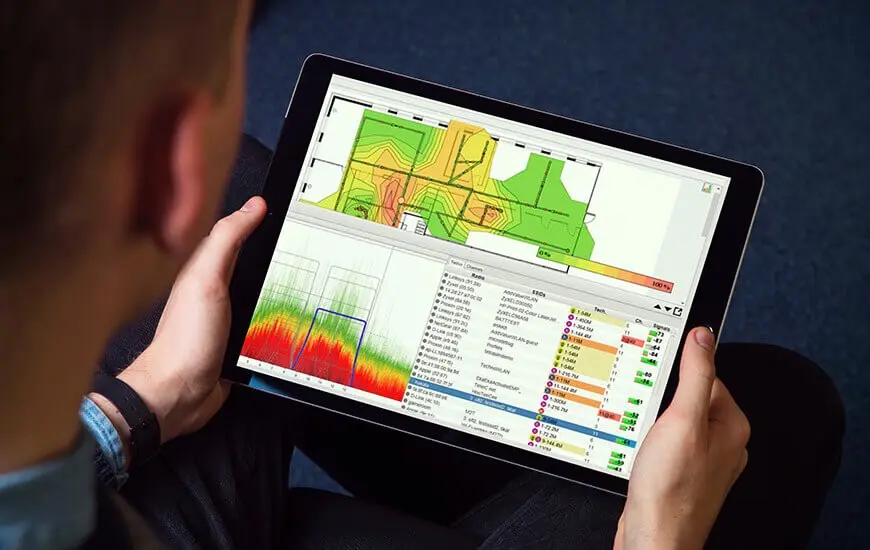
Once the network is live, we measure coverage, throughput and stability in every area. Before fitting, a test access point on a tripod (AP on a stick) can confirm a doubtful position. The report holds the test results, the coverage heatmaps and any corrections still to make.
Separate networks on the same access points
The same access points broadcast several networks, each with its own rules.

Staff
Authenticated access to company resources.
Guests
Internet access only, isolated from workstations.
Connected devices
Room displays, printers and sensors on a network of their own.

A network sized to the real need
Too many access points cost money and interfere with each other. Too few mean starting again. The predictive survey sets the right number before you order, and our recommendations stay independent of any manufacturer.
Questions about office Wi-Fi
How many Wi-Fi access points does an office floor need?
There is no reliable ratio per square metre. The number depends on the partitions, the ceiling height, the number of devices per area and the uses: a full meeting room needs more capacity than a corridor. A predictive design in Ekahau gives the number, position and settings of each access point before you buy. Adding access points with no study creates interference between them.
Wi-Fi 6, Wi-Fi 6E or Wi-Fi 7: which should an office choose?
Look at your devices first. A Wi-Fi 6E or Wi-Fi 7 access point only brings the 6 GHz band to laptops and phones that support it. In a recent fleet, this extra band relieves dense areas such as meeting rooms. In an older fleet, a well-designed Wi-Fi 6 network will give the same result. The survey lists your devices before any recommendation.
Why do video calls drop in the meeting room?
Most often for one of three reasons: the room is covered by an access point behind a partition, too many devices share one channel, or a laptop stays tied to a distant access point. A measurement on site, during a real meeting, tells these three causes apart. The fix is often a change of settings or moving one access point.
Can we keep our current access points?
Often, yes. The survey says whether the equipment in place suits your uses and whether it is well positioned. A recent access point in the wrong place is moved, a channel plan is redone, firmware is updated. Our recommendations are independent of any manufacturer: we propose new equipment only when the measurements show that the existing kit cannot meet the agreed thresholds.
Do you only cover the Wi-Fi design, or the full installation too?
Both are possible. Meltwain can keep to the design and the validation while your installer fits the equipment. We can also take on the implementation: access point positions, equipment configuration, connection to your existing network. In every case, the work ends with on-site measurements and a detailed report.