Wi-Fi in the office: mistakes to avoid
You have invested in beautiful collaborative workspaces. Bright open-space areas, modular meeting rooms, flex office to gain agility… But at the first video conference with ten people connected simultaneously, the Wi-Fi drops. Voices cut out, shared screens pixelate, and productivity collapses.
This scenario, dozens of companies experience it every week in Luxembourg. And yet, the solution is not to buy another Wi-Fi access point.
Open space: a challenging environment for Wi-Fi
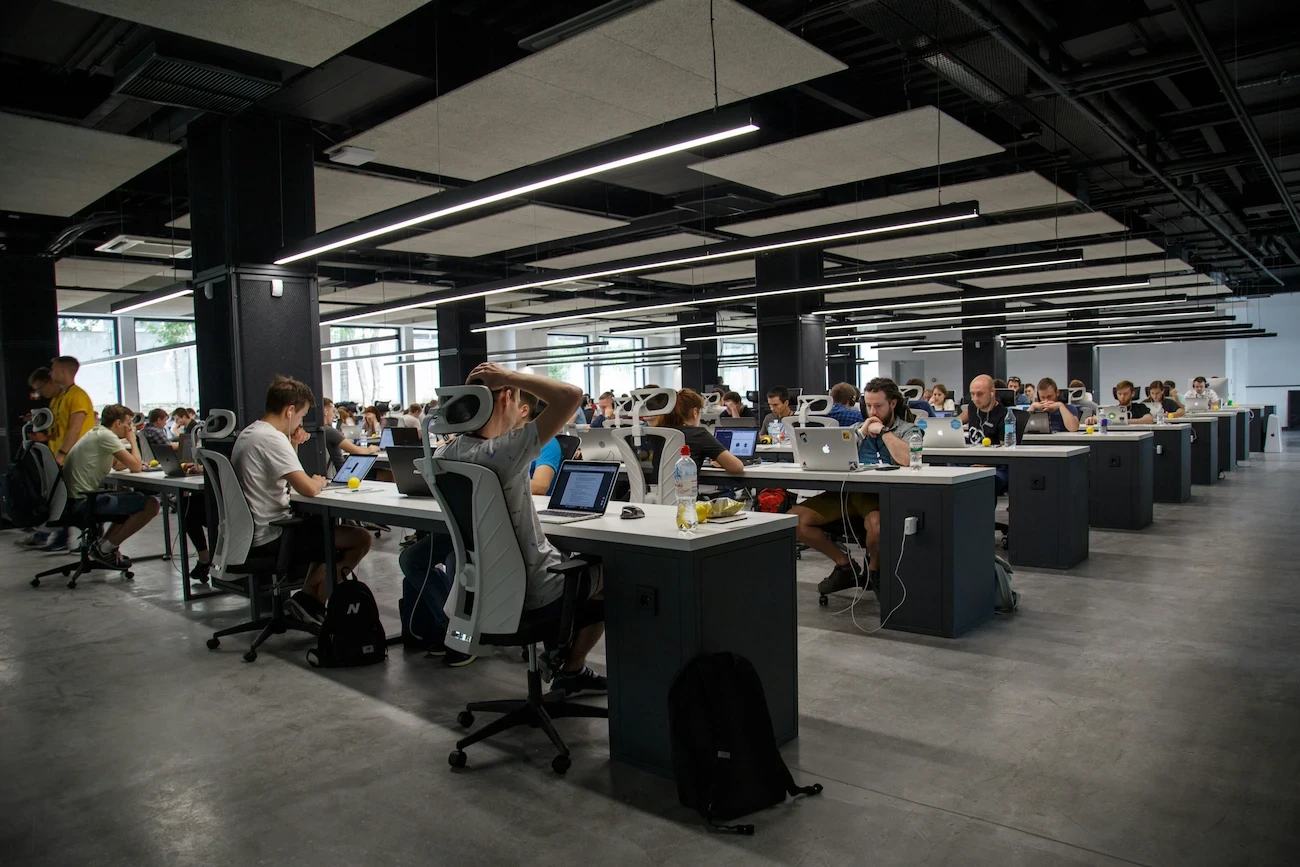
At first glance, an open floor plan seems simple to cover. No walls, no obstacles, just one large room. In reality, it is one of the most difficult environments to manage for a wireless network.
Why? Because the density of users is very high. Fifty employees in an open space means fifty laptops, fifty smartphones, Bluetooth headsets, connected printers, wireless screens… so many devices competing for the same radio frequencies simultaneously.
Result: interferences accumulate, the available bandwidth per user drops, and the quality of communications deteriorates — even with a very fast internet connection at the building entrance.
A poorly sized Wi-Fi network in an open space is not just a matter of comfort. It is a direct, measurable loss of productivity.
Flex office: when usage becomes unpredictable
The flex office adds an additional layer of complexity. In a traditional office, each employee has their fixed workstation: you can anticipate who connects where, at what time, with which devices.
In a flex environment, it is the opposite. User distribution changes every day, sometimes every hour. Some areas become overcrowded in the morning, empty in the afternoon. A meeting room can go from two to twelve people in just a few minutes.
A standard Wi-Fi network, deployed without prior thought, cannot handle this unpredictability. It is designed for static use, not for a dynamically changing environment.
The 5 most common mistakes in office Wi-Fi deployments
Relying on the number of access points rather than their placement
Adding access points without prior study often exacerbates the problems. Two access points too close to each other on the same channel create more interferences than they resolve.Ignoring the coexistence of frequency bands
Wi-Fi operates on several bands (2.4 GHz and 5 GHz, even 6 GHz with Wi-Fi 6E and 7). Without proper configuration, older devices "drag" the entire network down by monopolizing resources.Neglecting roaming management
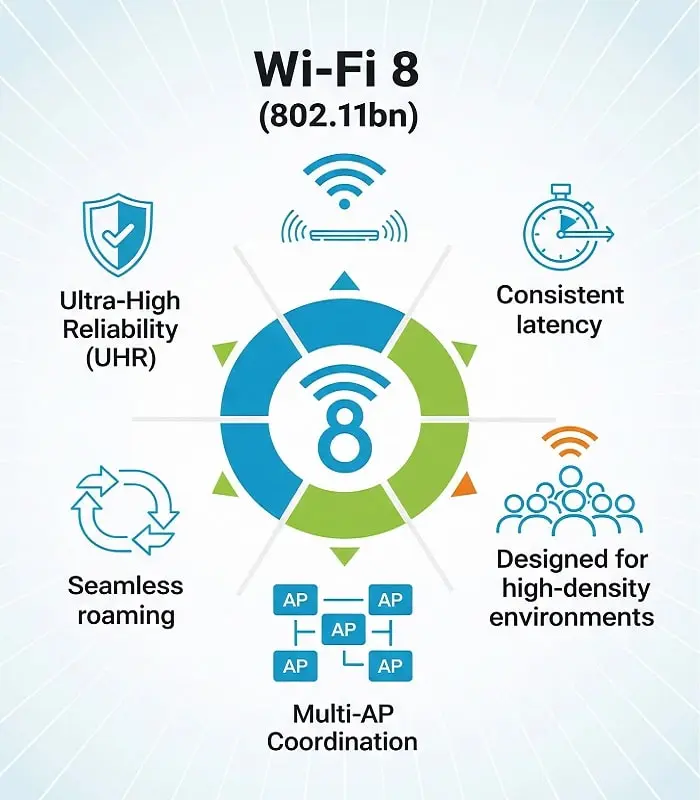
In a large space, an employee who moves must switch automatically and without interruption from one access point to another. Without a properly configured roaming protocol (802.11r/k/v), the connection deteriorates at each transition.Forgetting meeting rooms
These are the most demanding areas: video conferencing, screen sharing, online presentations… Often, they are covered "by overflow" from an access point placed in the corridor. This is not sufficient.Not anticipating scalability
The company is hiring, spaces are evolving, new connected tools are arriving. A network designed for today must be able to adapt to tomorrow without being completely redone.
What a well-designed Wi-Fi network concretely changes
A deployment executed according to best practices, following a thorough study, produces tangible results:
Video conferences hold up: even with ten simultaneous meetings in different rooms.
Connection times disappear: no more wait times at startup, no more "why is my VPN slow?".
Coverage is uniform: from the workstation closest to the access point to the farthest desk across the floor.
The network is segmented: guests, employees, and IoT systems (printers, screens, sensors) do not access the same resources, which enhances security.
The infrastructure is documented: in case of a problem, we know exactly where to intervene.
Where to start?
Before any deployment or reconfiguration, the first essential step is the Wi-Fi audit. It allows you to measure the existing setup, identify weak spots, analyze interferences, and precisely define the number and placement of necessary access points.
An audit conducted on plan (before renovations or relocation) can even anticipate and avoid unpleasant surprises on moving day.
At Meltwain, we conduct these audits with professional tools (Ekahau, Hamina) and a proven methodology, for companies of all sizes in Luxembourg and Europe. Our founder is certified CWNE #536, a certification held by less than 600 experts worldwide.
Is your Wi-Fi up to the standards of your workspaces?
A high-performance wireless network is not a luxury — it is a critical infrastructure, just like your internet connection or phone system.
If you are experiencing slowdowns, disruptions, or if you are about to set up or expand your offices, now is the right time to reassess.
👉 Discover our Wi-Fi expertise for offices and co-working spaces
Meltwain is a Wi-Fi expertise company based in Luxembourg, certified CWNE, Ruckus Elite, Cisco partner, and Ubiquiti training center. We assist companies in auditing, designing, and integrating high-performance and sustainable wireless networks.