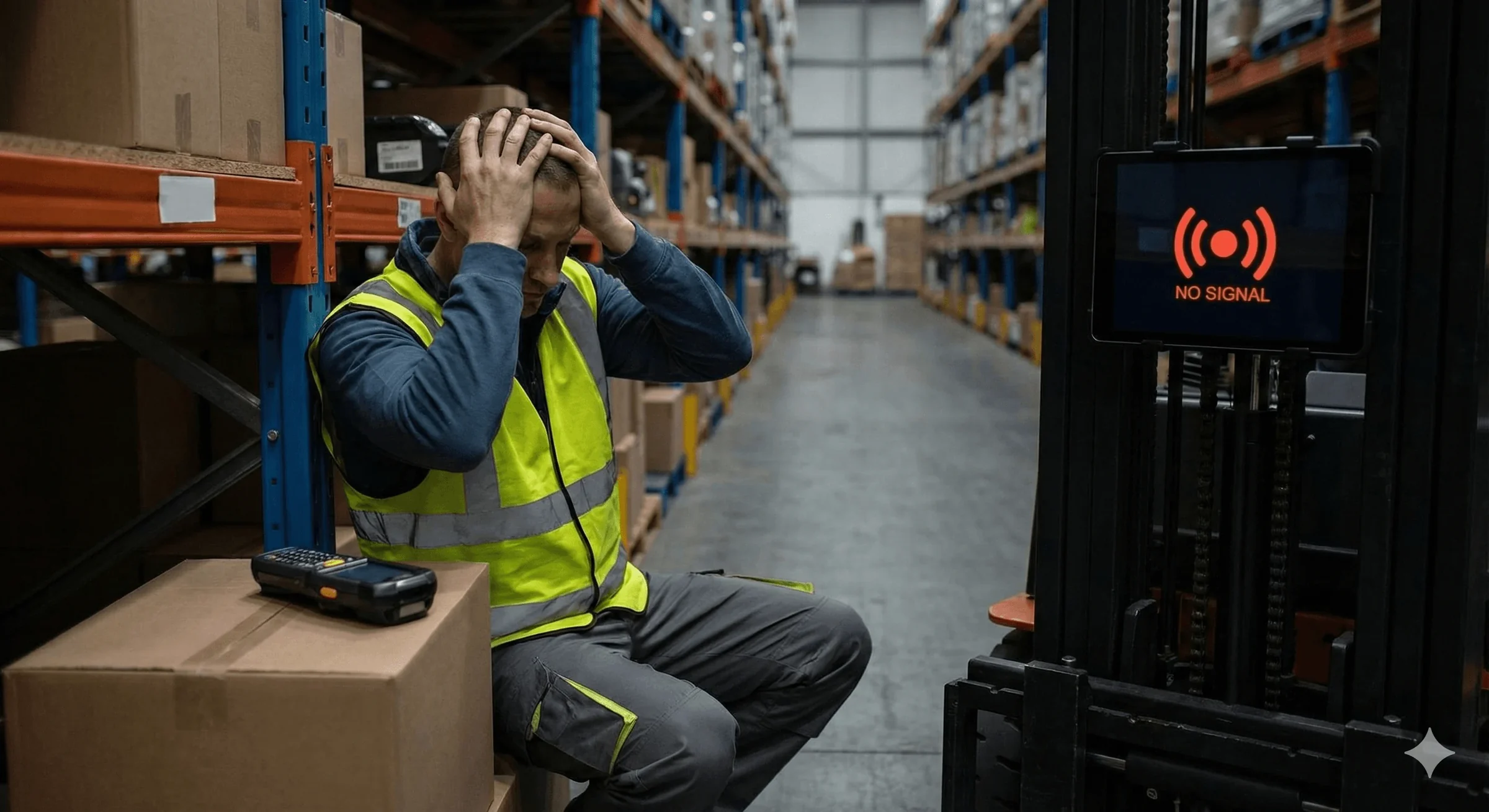
The guest arrives at 7 pm, puts down their case and opens their laptop. If the video call stutters, if the series will not start, they will not look for the cause. They will remember that “the hotel Wi-Fi doesn't work”, and there is a fair chance they will say so in their review.
Hotel Wi-Fi is not judged in the lobby at midday: it is judged in the evening, in the room furthest away, with the door closed. Here is where the complaints most often come from, and what fixes them.
Hotel Wi-Fi problems: what guests say, and what lies behind it
The complaints are much the same from one hotel to the next. Behind each of them there is a cause that can be measured.
| What the guest says | Common cause | What fixes it |
|---|---|---|
| “It works in the lobby, not in my room” | Access points in the corridors, thick walls, fire doors | On-site survey, access points placed according to the measurements |
| “It crawls in the evening” | Too many devices at once for the access points or for the internet line | Network sized for a full hotel, bandwidth shared fairly |
| “I keep having to log in again” | Poorly tuned handover from one access point to the next, a portal that asks again | Roaming tuned, a portal that recognises the guest throughout their stay |
| “Video calls drop in the meeting room” | Room equipped for ten people, used by sixty | Access points and bandwidth planned for a full room |
| “I can't work out how to connect” | Outdated portal, a code that is awkward to type | Simple portal, linked to the hotel's software |
The room, where it is all decided
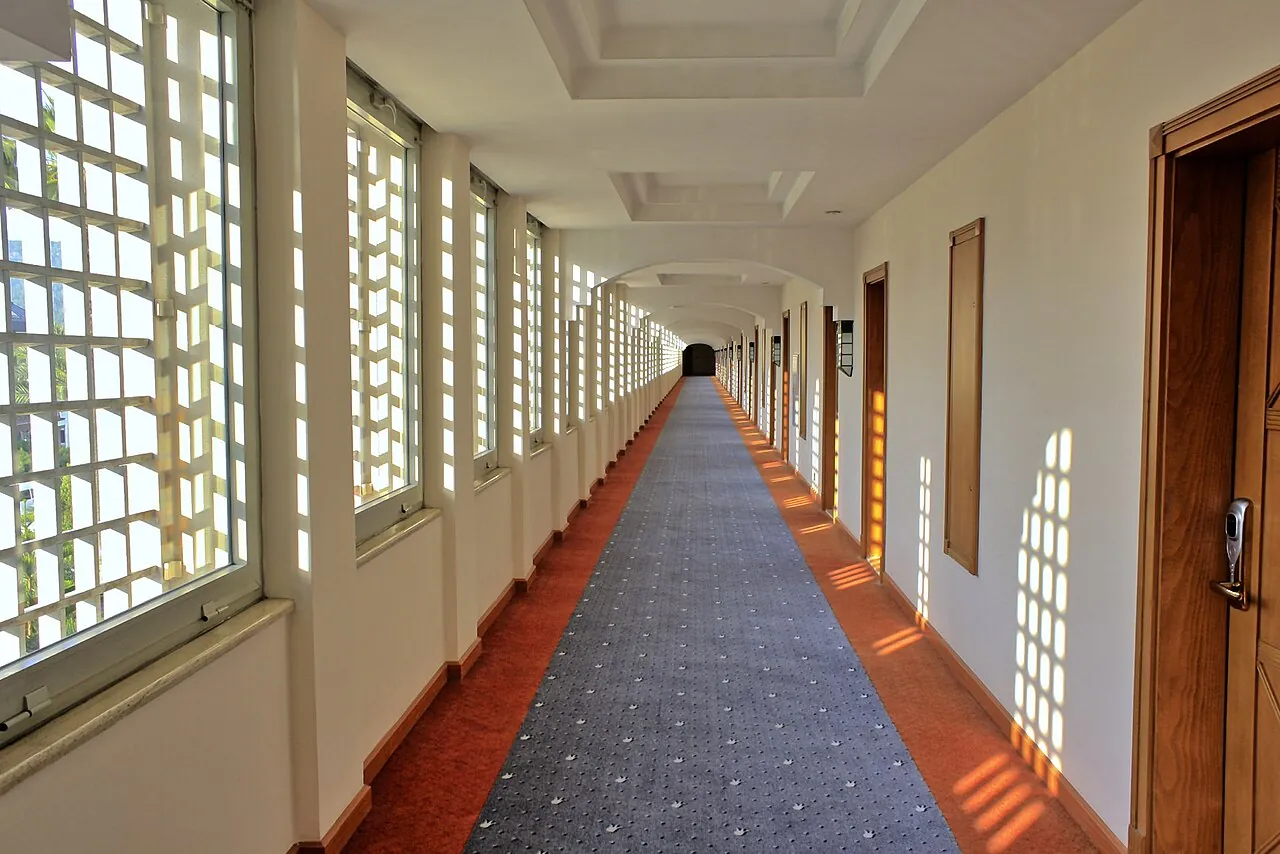
The most widespread cause is also the simplest: the access points are in the corridor. It was the cheapest way to install them, one cable along the ceiling and an access point every few doors. But between the corridor and the bed there is a fire door, a tiled bathroom, sometimes a load-bearing wall. The phone shows the network, and the connection does not hold.
Habits have changed too. Each guest connects two or three devices, watches high-definition video, works on video calls. A network designed ten years ago for checking email can no longer keep up.
The answer is not always “more access points”. Too many of them, or poorly tuned ones, interfere with one another and the result gets worse. The right position is decided by measurement, room by room.

In the evening, the whole hotel goes online at once
A network has two limits. Coverage: does the signal reach the bed? Capacity: how many devices can use it at the same time before everything slows down? During the day the hotel is half empty and only coverage is noticed. Between 7 pm and midnight, capacity is what gives way.
Two things are then worth checking. First the equipment: professional access points, built to serve many devices at once. Then the internet line: its speed is chosen for a full hotel, and a maximum speed per device stops a single room from taking up the whole line.
A second internet line, from another operator, takes over if the first one fails. Depending on the installation, it also protects reception, bookings and card payments.
Lobby, restaurant, meeting rooms, spa: one building, several radio environments
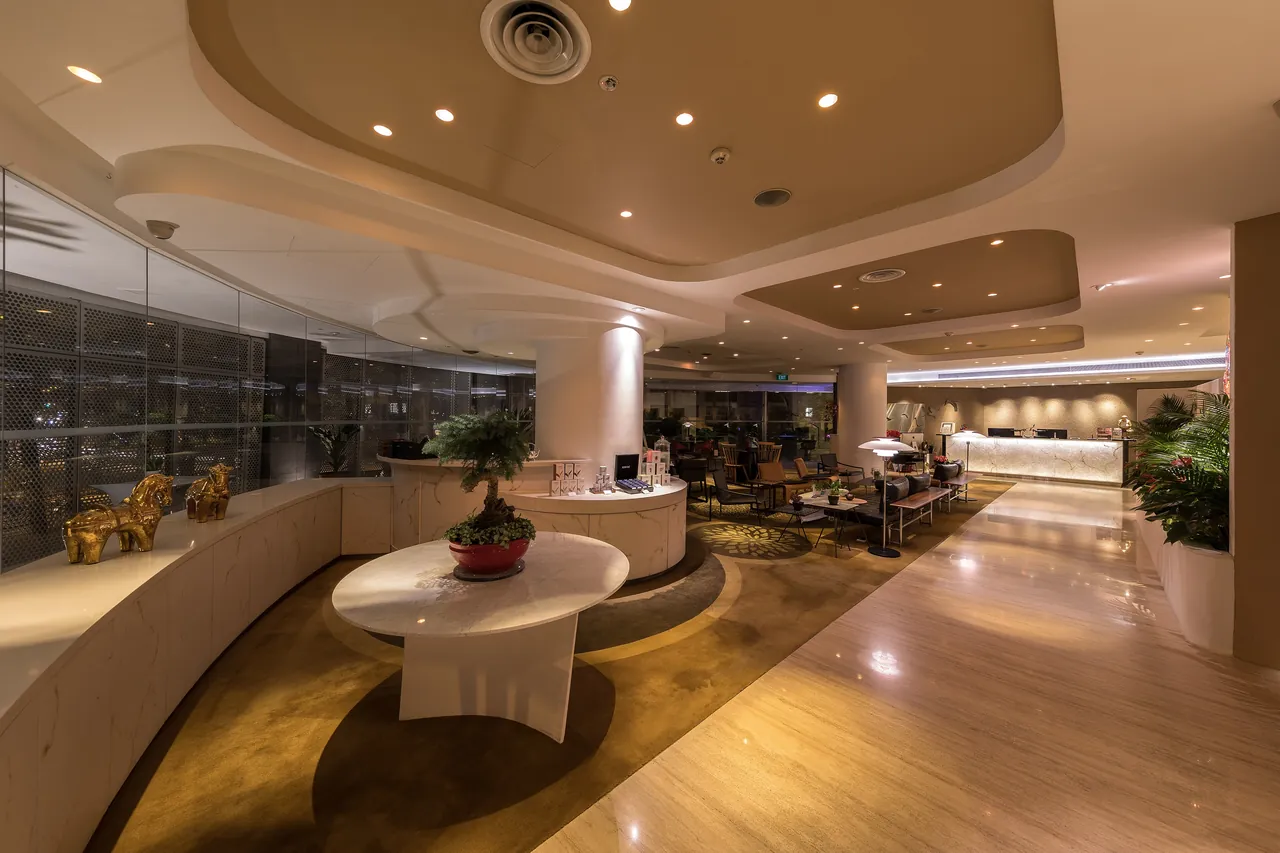
A hotel is not a single space. The lobby is large and high-ceilinged. The restaurant fills up all at once. The meeting room stays empty for three days, then hosts sixty people who connect in the same minute. The terrace and the garden call for outdoor equipment.
The guest sees only one network. They expect to walk from the lobby to the lift, then along the corridor to their room, without a call dropping. That handover from one access point to the next can be tuned, and is checked by walking through the building, device in hand.
Meeting rooms deserve separate treatment: that is where a business guest, and the company that sends them, decides whether to come back.
Keeping guests apart from the hotel's own network
Behind the guest Wi-Fi, the hotel runs its own network: property management software, restaurant tills, reception computers, cameras, connected devices. These two worlds must not see each other.
- A network for guests, where every device is isolated from the others.
- A network for administration: reception, property management software, tills.
- A network for connected devices and cameras.
This separation protects your data and your guests' data. It also confines the effect of a fault or an intrusion to a single network.
The access portal, the page that opens when a guest connects, is part of the same picture. Set up well, it recognises the guest for the whole of their stay, carries your branding, and only collects an email address with the person's consent, as the GDPR requires.
Measure before, validate after
Hotel Wi-Fi is not tuned by guesswork. The method has three stages.
Before the work, the survey
It starts from the floor plans, the building materials, the number of rooms and the number of devices expected. An on-site survey shows the real coverage, floor by floor, and locates the areas with no signal. The study fixes the position of each access point before the first cable is run.
After installation, the validation
Once the network is live, measurements confirm the signal in every room, in the corridors, the lobby and the meeting rooms. You receive a report, not a promise.
Over time, the check
A hotel changes: a refurbished wing, rooms rearranged, new equipment. A check after building work verifies that the network has kept up.
Not everything has to be redone, though. Cabling in good condition can be reused, and a recent access point in the wrong place can be moved. The study separates what can be fixed by configuration from what needs new equipment.
Hotel Wi-Fi is not judged in the lobby at midday: it is judged in the evening, in the room furthest away, with the door closed.
Making Wi-Fi one of your hotel's strengths
Wi-Fi that works goes unnoticed, and that is the aim: the guest works, watches a film, and leaves without having given it a thought. Wi-Fi that does not work shows up in the reviews.
Meltwain surveys, designs and validates hotel Wi-Fi networks in Luxembourg and the Greater Region. The firm has deployed 11,853 Wi-Fi access points across 298 sites, and its founder is certified CWNE #536. Our recommendations are independent of manufacturers.
If your guests are complaining, or if a refurbishment is coming up, send us the number of rooms and floors and, if you have them, the plans. A 30-minute call is enough to say where to start.